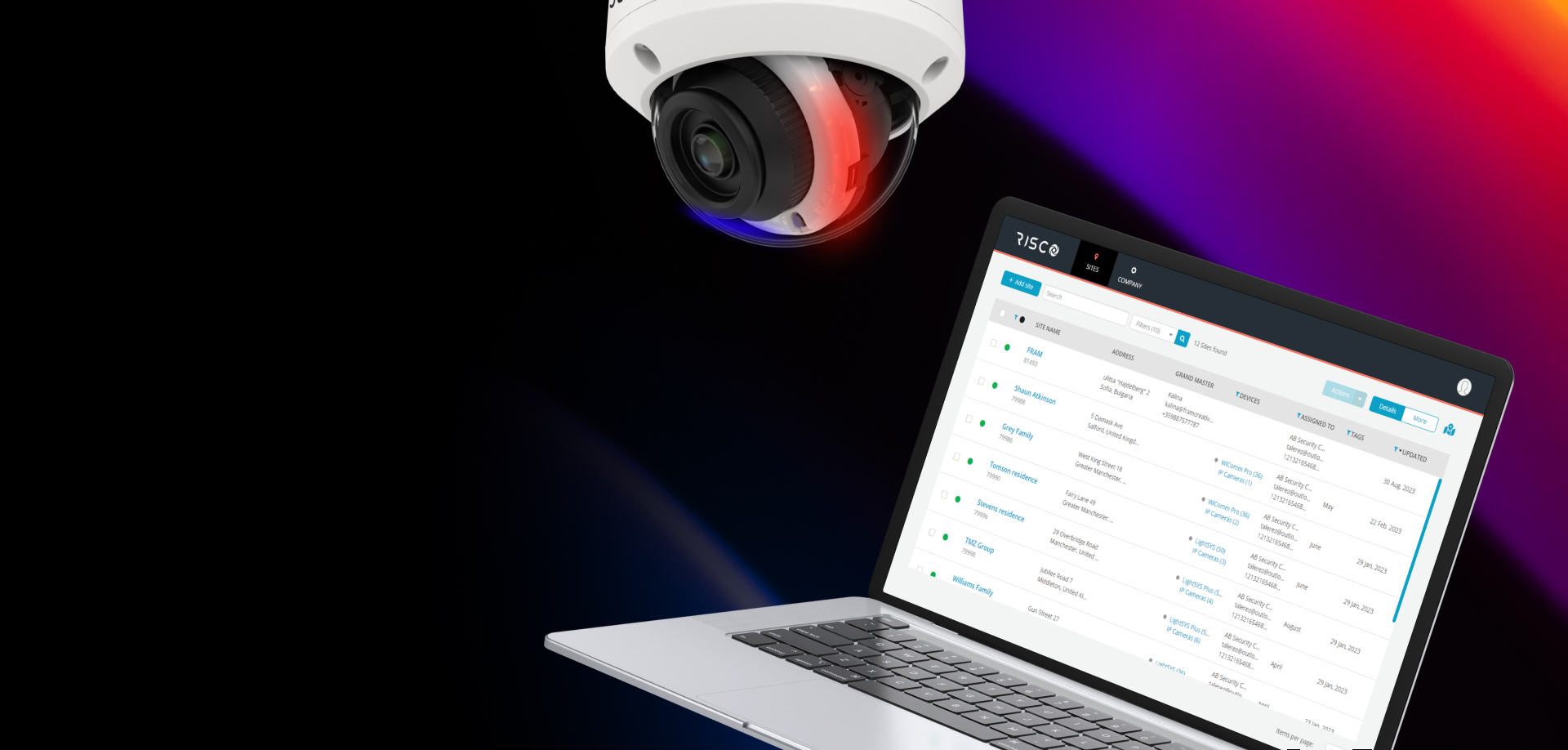
VUpoint AI is the next generation of intelligent video surveillance, combining cutting-edge IP cameras and NVRs with an advanced suite of software tools.
These tools are designed to simplify every stage of deployment, from installation to configuration, monitoring, and daily operation.
Complete Control at Every Stage
Whether working locally or remotely, they give installers, users and operators complete control and visibility, enabling smarter security solutions with less effort. RISCO’s VUpoint AI software ecosystem includes purpose-built tools that work seamlessly together to deliver a complete installation and management experience:
Your RISCO Marketing Toolkit
Installer Cloud
Cloud Based management, remote configuration and firmware update.
Devices Web Page
Secure, plugin-free web interface for device access, playback, and AI setup.
NVR Local UI
On-site interface for configuration and monitoring directly from the from the NVR monitor.
RISCO VMS
PC-based video management system for comprehensive monitoring and analytics alarm receiving and configuration of multiple devices
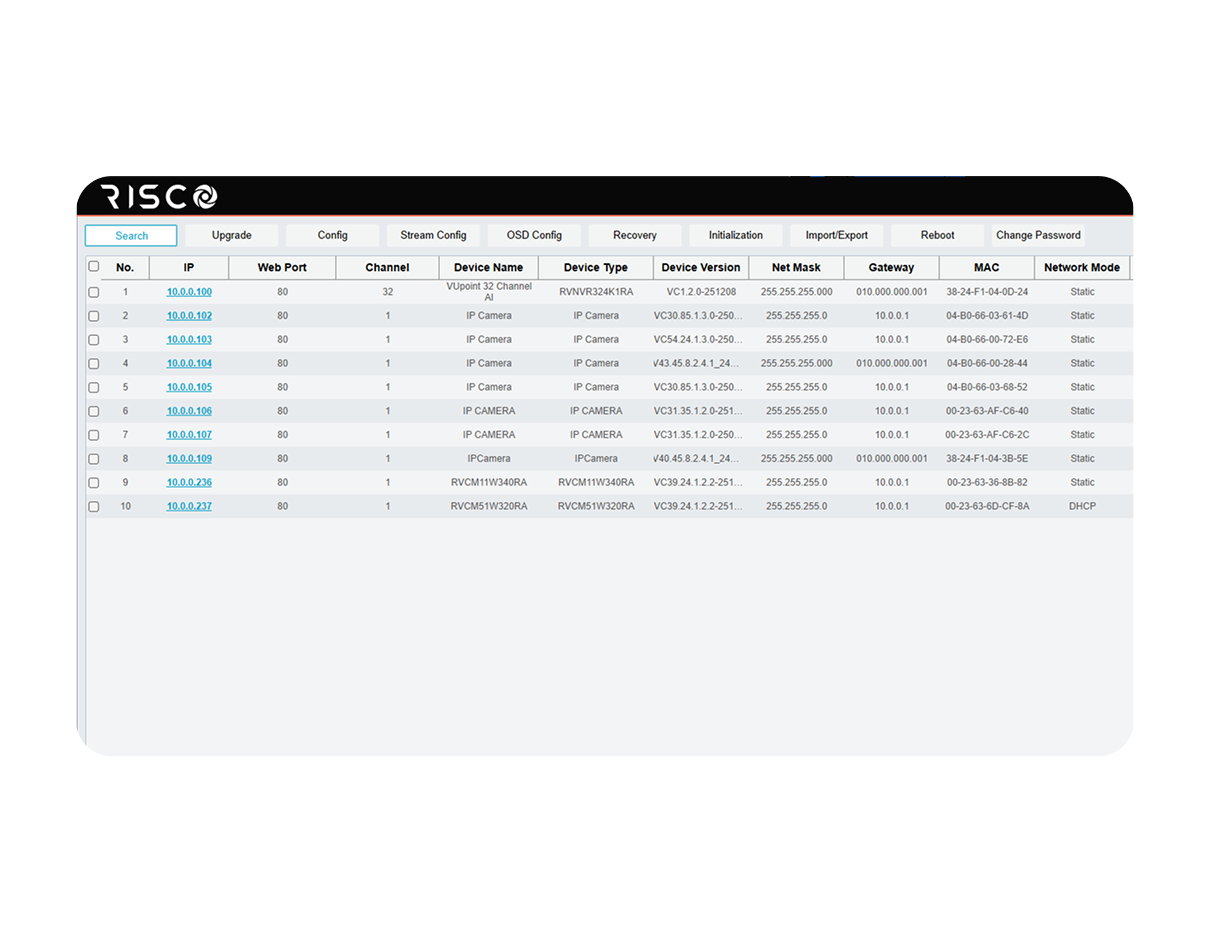
RISCO Search Tool
Network discovery tool for batch configuration etc.
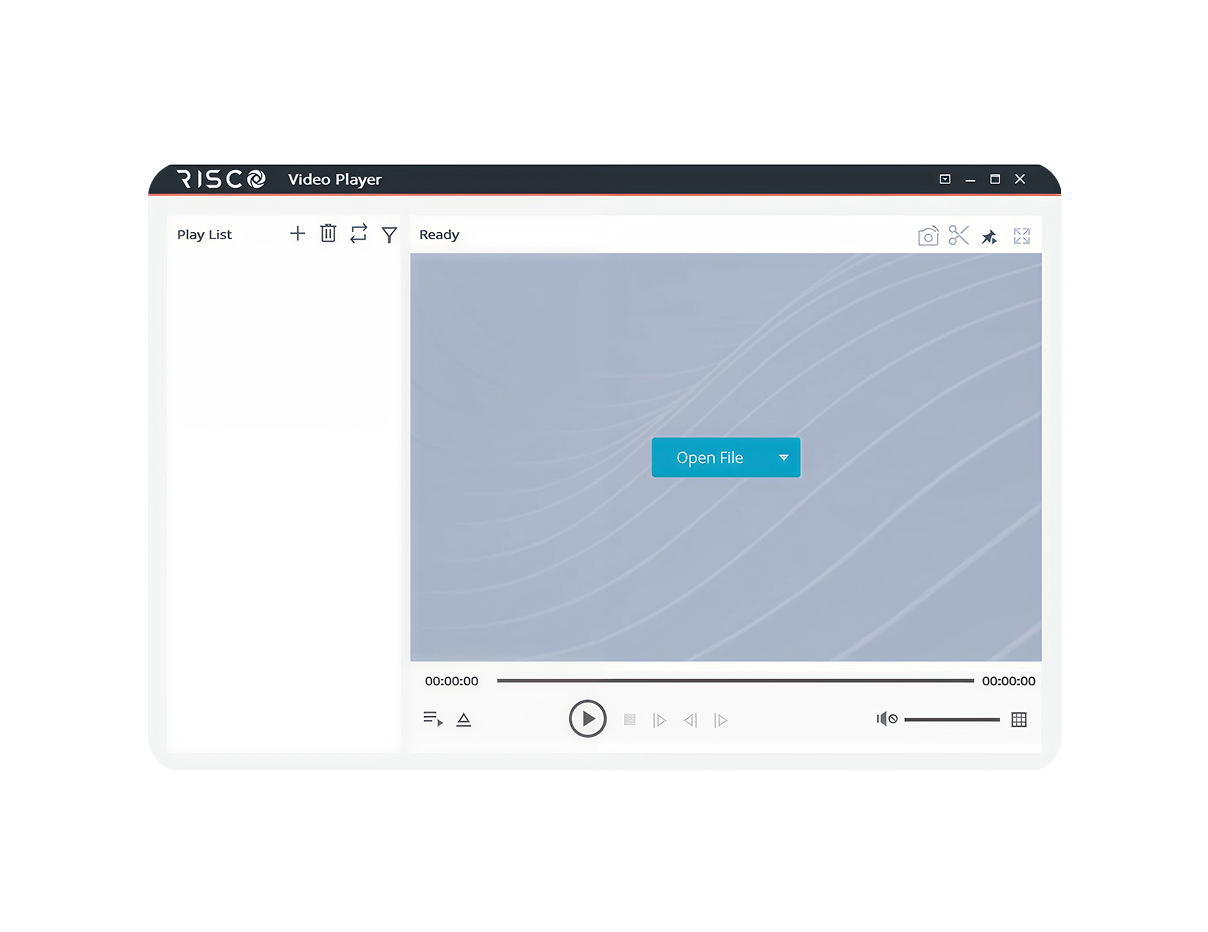
RISCO Video Player
Desktop player for reviewing and exporting recorded footage.
Installer Cloud – Remote Control, Simplified
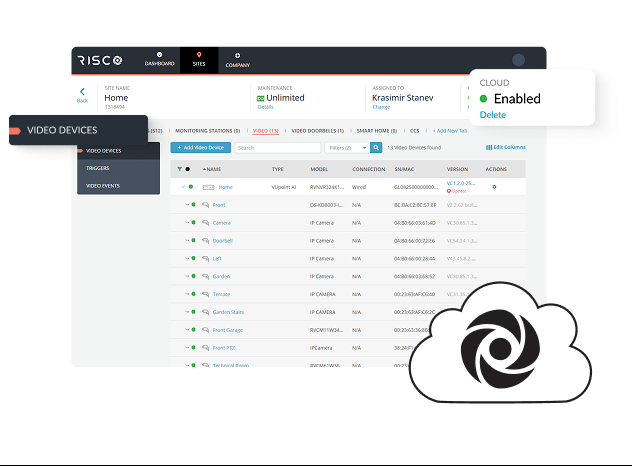
The Installer Cloud platform gives installers and administrators a powerful, centralized way to manage VUpoint AI devices remotely — no port forwarding or complex network setup required.
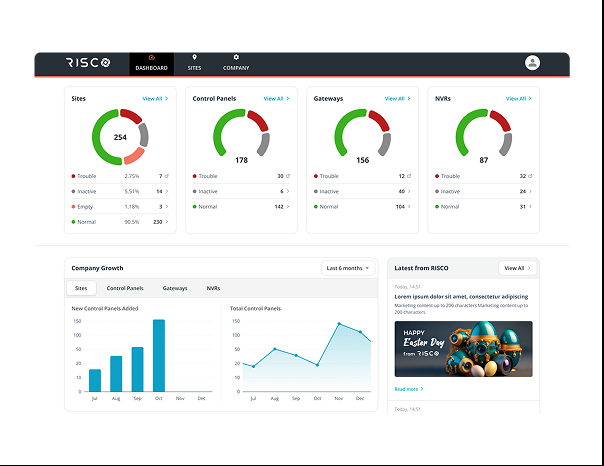
Unified Dashboard
Understand the availability of the video devices in your sites from first sight. Offline devices, devices that needs updates, devices with troubles and many more.
Remote Configuration
Configure devices securely over the cloud, even behind firewalls.
Secure by Design
Eliminates the need for open ports, strengthening cybersecurity.
Easy Firmware Management
Check versions and upgrade devices directly from the cloud.
Simplified Onboarding
A 3-step process – select device type, activate, and check firmware. Devices can be added before or after local setup.
Proactive Notifications
Receive alerts for offline devices and HDD failures.
Devices Web Page - Powerful Access, Enhanced Security
The Devices Web Page is a modern, browser-based interface for accessing and managing VUpoint AI devices — with no plugins required.
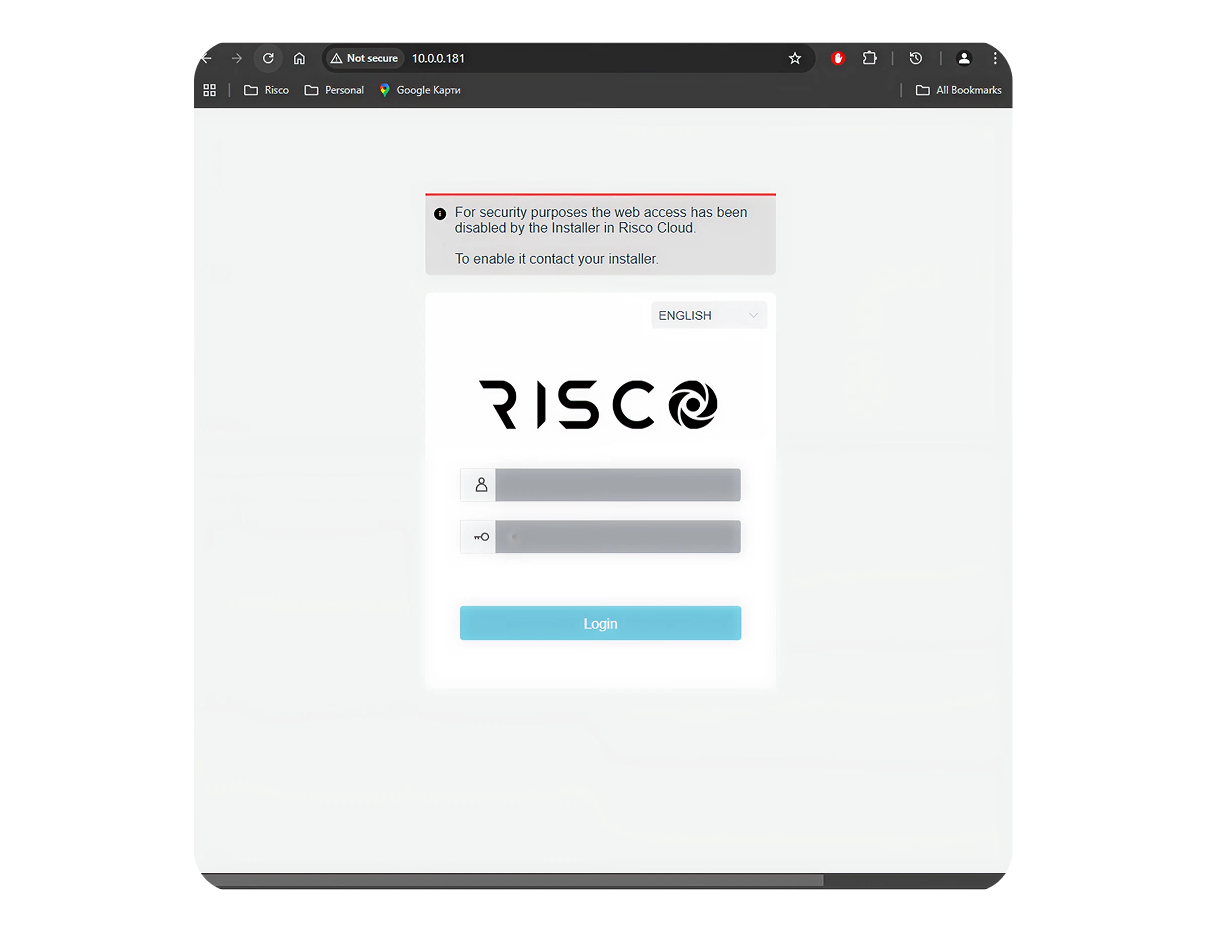
Controlled local access
By default, local Web/Telnet access is enabled for 10 minutes after reboot. Before cloud connection, access remains enabled for installation convenience. Access settings can be managed from the Installer Cloud for added security.
No plugin required
Access device interfaces directly from your web browser of choice.
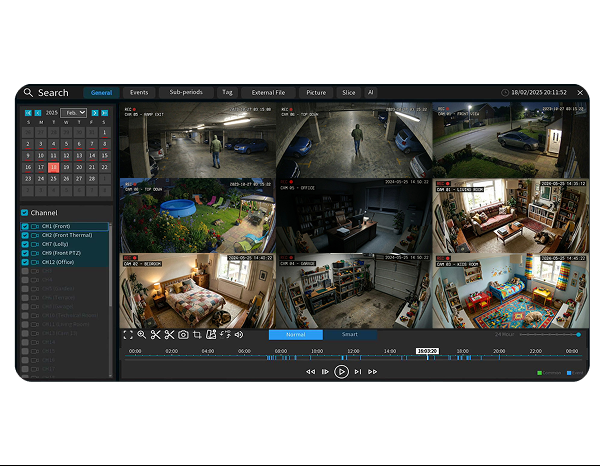
AI-enabled playback
View general and AI-triggered recordings easily.
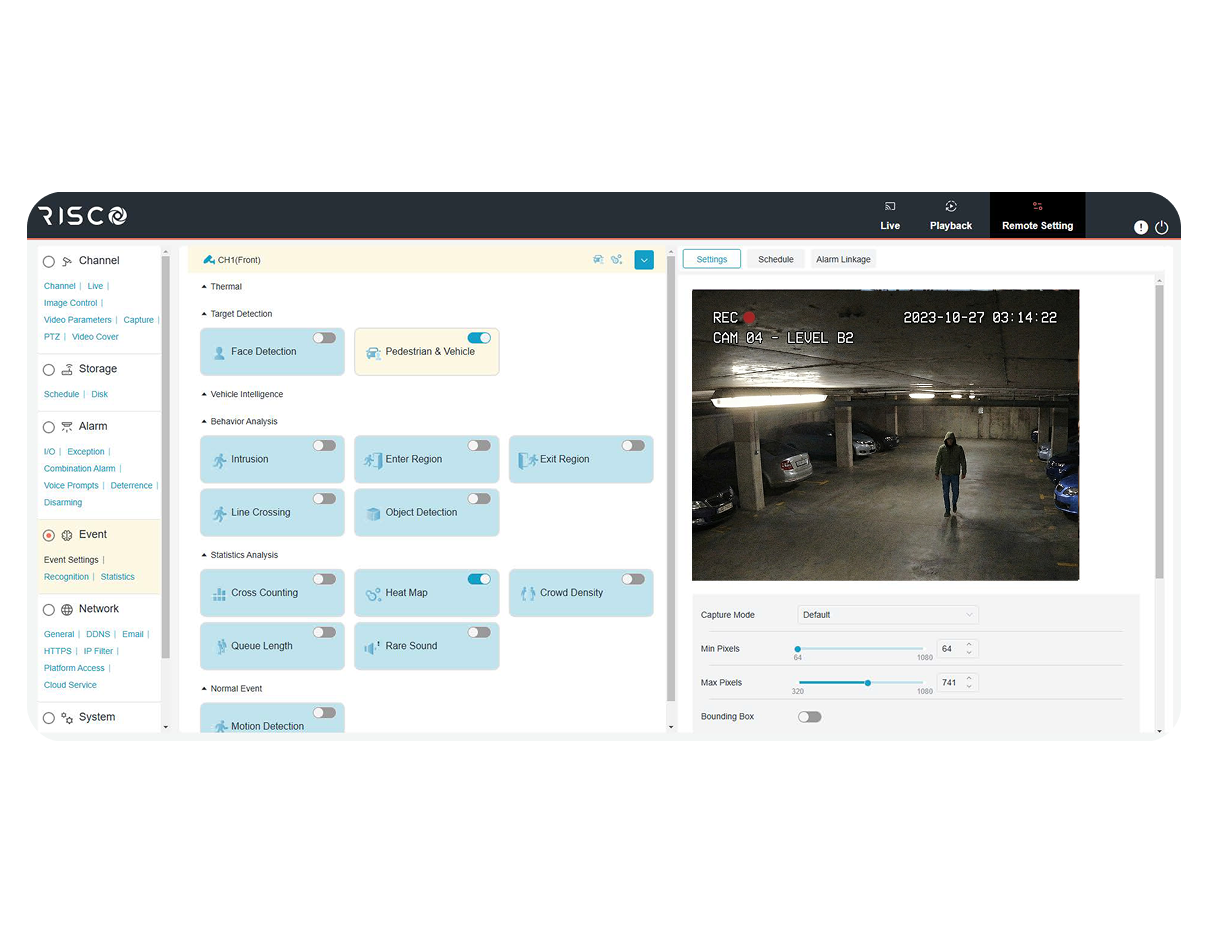
Streamlined configuration
Set up AI features with a simplified workflow.
Full Configuration Management
Configure the full set of functionality of the video devices.
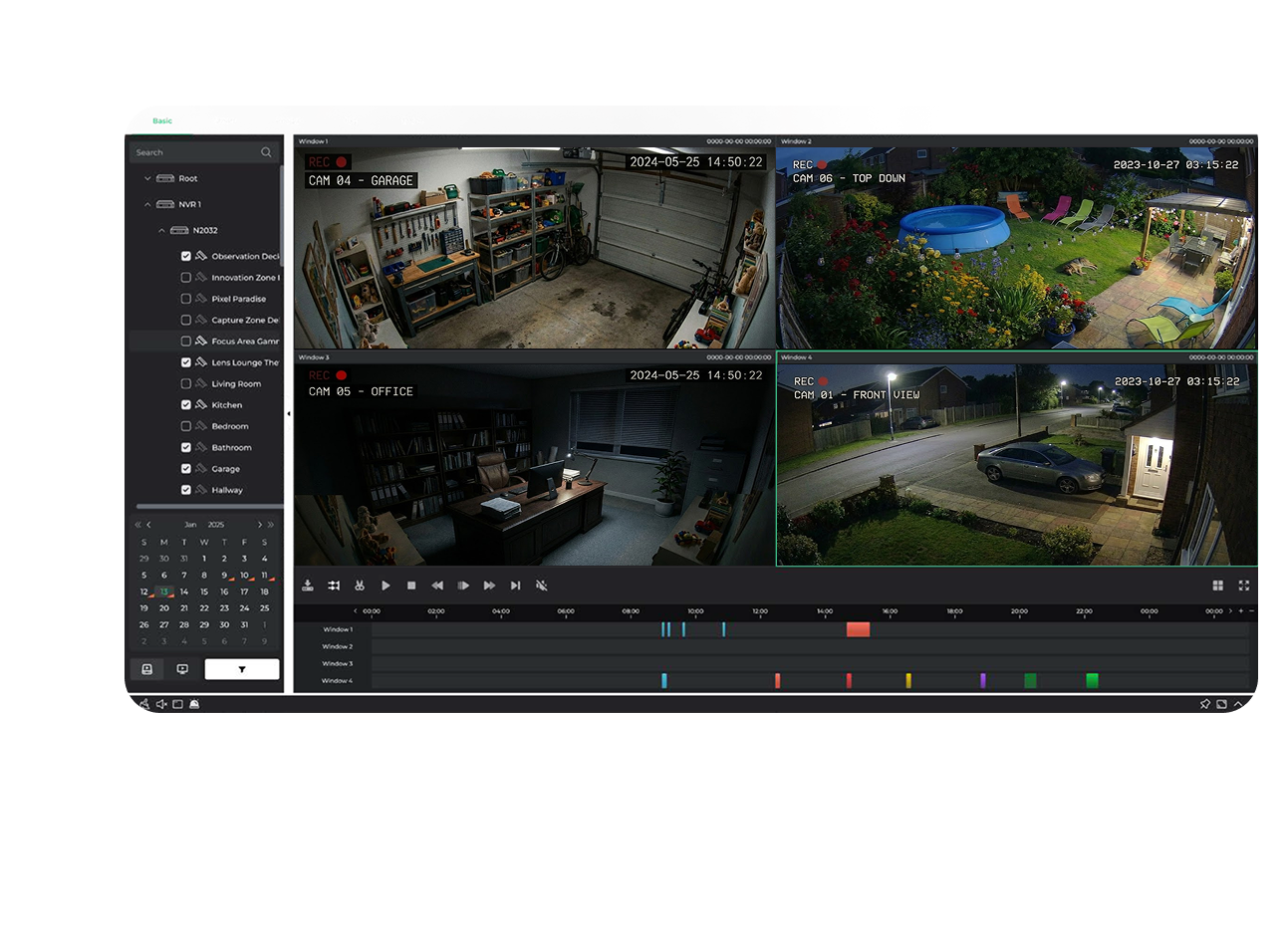
The NVR Local UI provides direct access to configuration and monitoring tools on-site. Ideal for installations where 24/7 monitoring from security guard is needed, the interface is optimized for speed, usability, and reliability.
Local live view and AI playback
Full configuration of the NVR parameters like adding cameras, set AI events, control I/O etc.
Direct configuration access
Configure the full set of functionality
Intuitive on-site operation
Simple live view with PTZ control and advanced AI based playback.
Statistics rev
Check and analyze the statistics of Heatmap, Cross counting, Face Recognition, pedestrian and Vehicle atc.
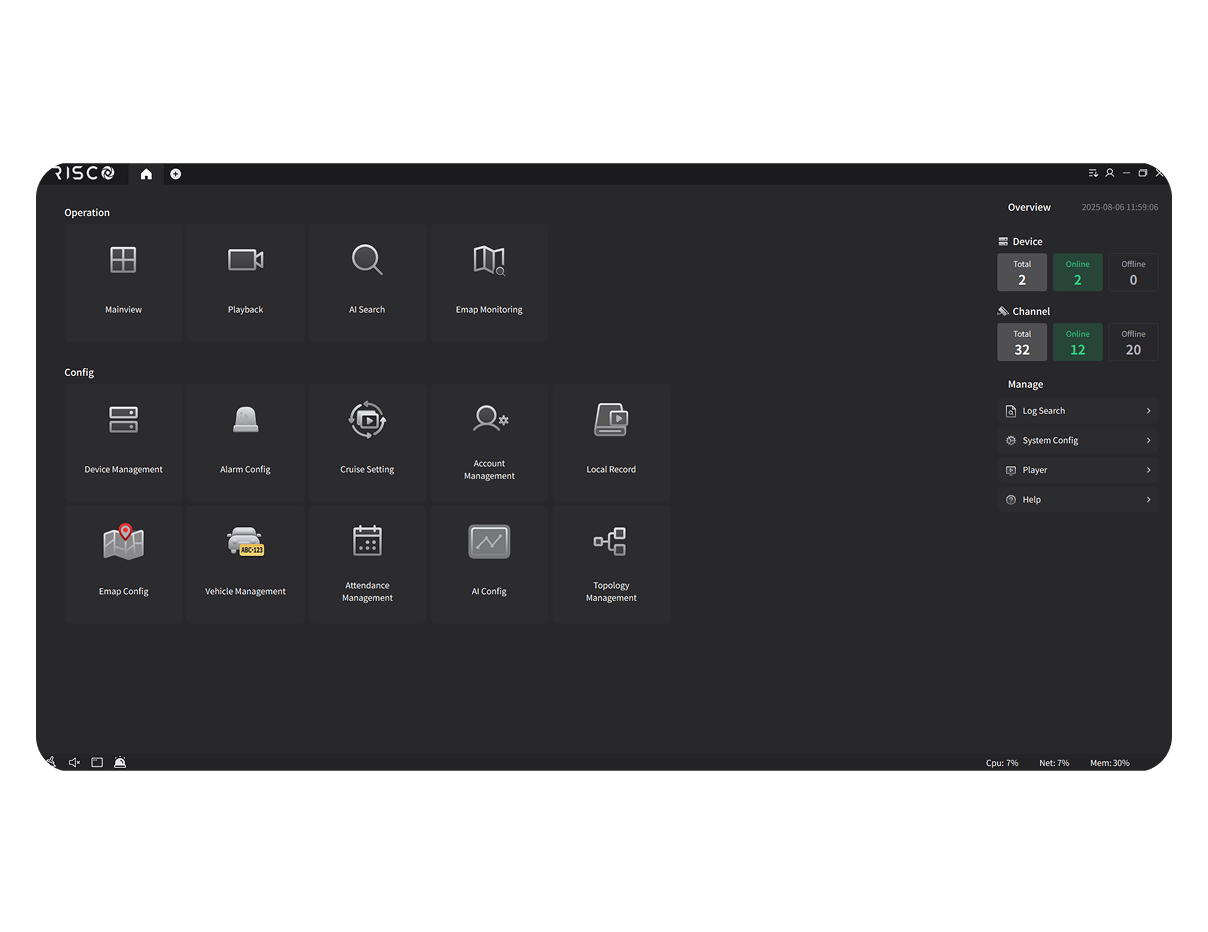
The upcoming RISCO VMS desktop application brings together live view, playback, configuration, and analytics in one powerful platform. Designed for large-scale deployments and advanced monitoring scenarios, it delivers:
Live view and playback
Multi-screen live view and control of large number of cameras from multiple sites. Advanced AI search for fast evidence retrieval
Full device configuration
Remote configuration, upgrade and diagnostics of multiple video devices.
Alarm monitoring
Build a monitoring center to receive, manage and acknowledge AI alarms from different cameras in real time.
AI statistics and insights
Check and analyze the statistics of Heatmap, Cross counting, Face Recognition, pedestrian and Vehicle atc.
The Risco Video player allows to export original footage from VUpoint AI devices and playback it without tampering the original file which is needed to be used as evidence for the authorities. It also allows to export it in a common video format so it can be playback everywhere.